標籤: SLIM

Introduction to SLIM: Scan QR code

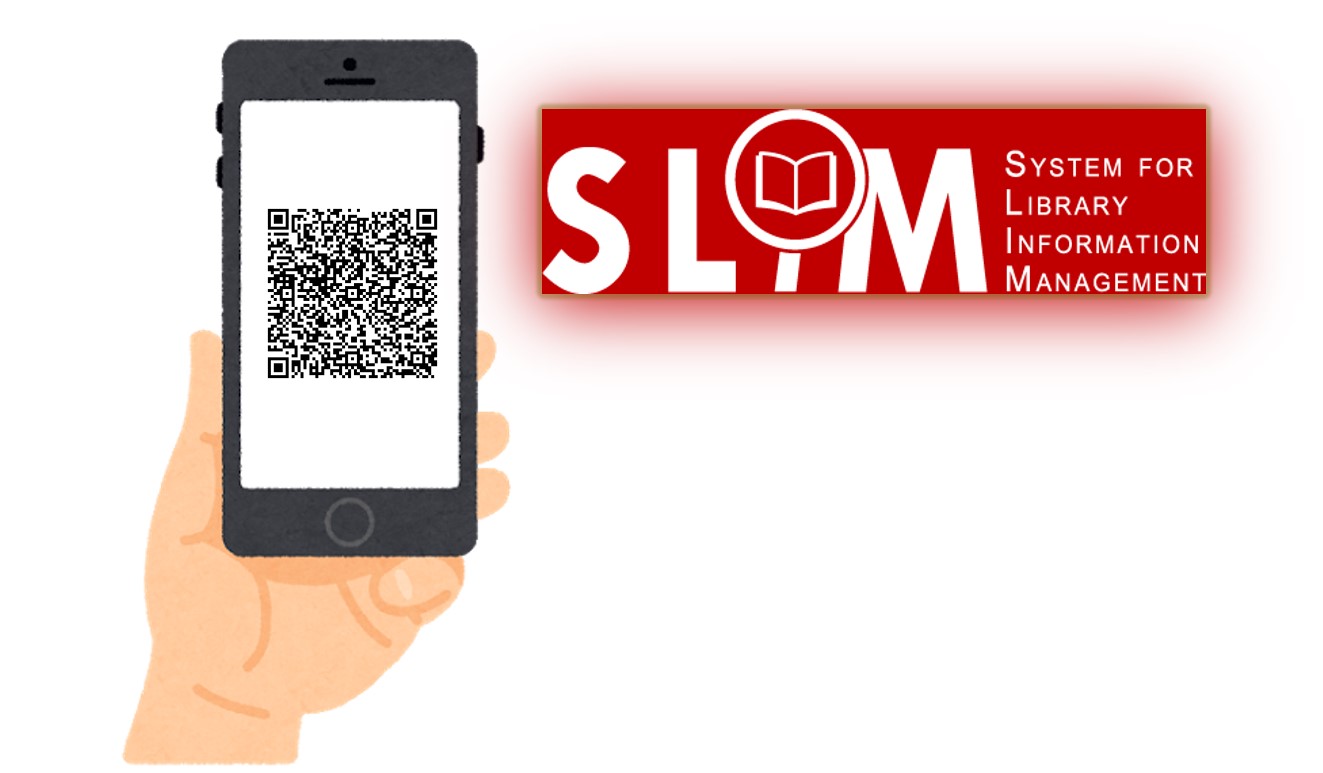
When using computer or laptop to search SLIM system, you can use your smartphone to scan the QR code.  By doing this, you can quickly get the call number and the book title with you to access the book on the shelves in the library.  【中文說明請見此文章:SLIM雲端圖書館自動化系統介紹(27)QR Code功能】
繼續閱讀

Introduction to SLIM: Citing and Exporting Bibliographic Records

The latest update date: 2026 Oct. 28

SLIM provides Cite and Export functions to help users generate formatted references or export bibliographic records to reference management software for further organization and use. 【中文說明請見此文章:SLIM雲端圖書館自動化系統介紹(10) 引用與匯出書目】

These two functions serve different purposes:

  • Cite: Generates a formatted reference for an individual item in citation styles such as APA or MLA. This function is useful when preparing reports, research papers, theses, or reference lists.
  • Export: Exports bibliographic records in various formats for use with reference management tools such as EndNote, Zotero, and Mendeley. This function helps users collect, organize, and manage references. Records can also be exported to Excel for further processing.

繼續閱讀

Introduction to SLIM: How to find the “Course Reserves”?

Last Updated: 2026/09/29

To meet instructional needs, NTU faculty members may place required readings—including books, e-books, and audiovisual materials—on Course Reserve. These materials are primarily housed in the Course Reserves Area at the Main Library and various branch libraries for student use.

How can you access the materials assigned by your instructors using the SLIM system? Please follow the steps below to search.

【中文說明請見此文章:SLIM雲端圖書館自動化系統介紹(8) 如何查詢教師指定參考書】

繼續閱讀