作者: libtul

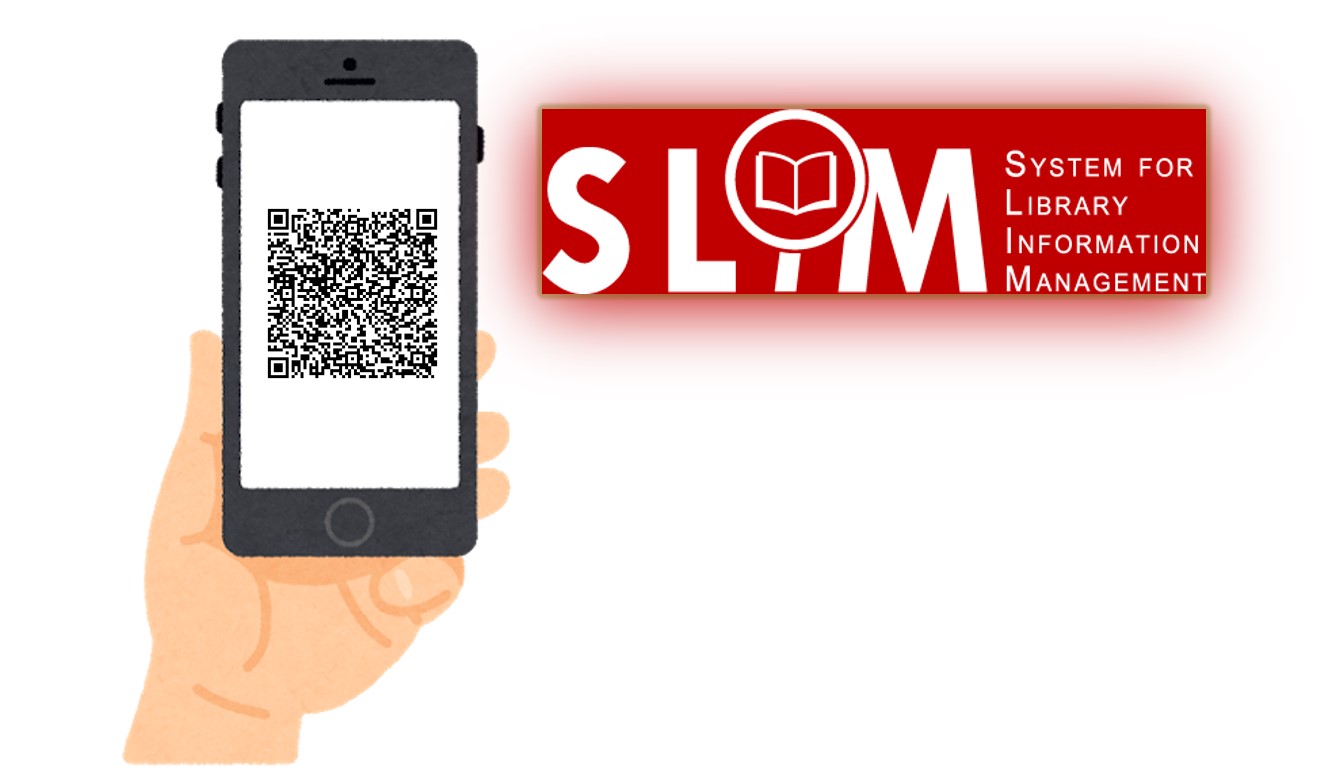
Introduction to SLIM: Scan QR code

When using computer or laptop to search SLIM system, you can use your smartphone to scan the QR code.  By doing this, you can quickly get the call number and the book title with you to access the book on the shelves in the library.  【中文說明請見此文章:SLIM雲端圖書館自動化系統介紹(27)QR Code功能】
繼續閱讀

Introduction to SLIM: How to find the “Course Reserves”?

Last Updated: 2026/09/29

To meet instructional needs, NTU faculty members may place required readings—including books, e-books, and audiovisual materials—on Course Reserve. These materials are primarily housed in the Course Reserves Area at the Main Library and various branch libraries for student use.

How can you access the materials assigned by your instructors using the SLIM system? Please follow the steps below to search.

【中文說明請見此文章:SLIM雲端圖書館自動化系統介紹(8) 如何查詢教師指定參考書】

繼續閱讀

善用Word與EndNote協助論文編排(十二):Word文件中圖片位置錯亂問題

插入論文中的圖在經過內容修改後,圖的位置就錯亂必須重排(圖一),不斷地需要重新調整實在令人苦惱。如何才能讓圖在Word中可以隨文字移動而不再飄浮不定呢?解決的方法有二個方向,可以設定為"圖與文字排列",或是將圖放入無框線的表格中。

繼續閱讀